
Tools of Interpretation
Article

Michael Pilkington
Smartphones are generally not regarded as ‘proper’ cameras. How can they be? You basically need to do nothing except point and shoot. Furthermore, the quality of the images, whilst acceptable on a small screen, was not of sufficient quality to edit or even print. This has not been true for some time now. The iPhone 15, the latest incarnation of that particular brand, uses a colour space of P3, which is roughly equivalent to ProPhoto RGB, which we use in our post processing in Lightroom and Photoshop, has a up to 48 megapixel sensor, which is around the same as my Nikon D850 and a 2x zoom in, 3x and 7x zoom out optical range. Throw in Night Mode, the capability to shoot in RAW, image stabilisation, and that is quite a cocktail.
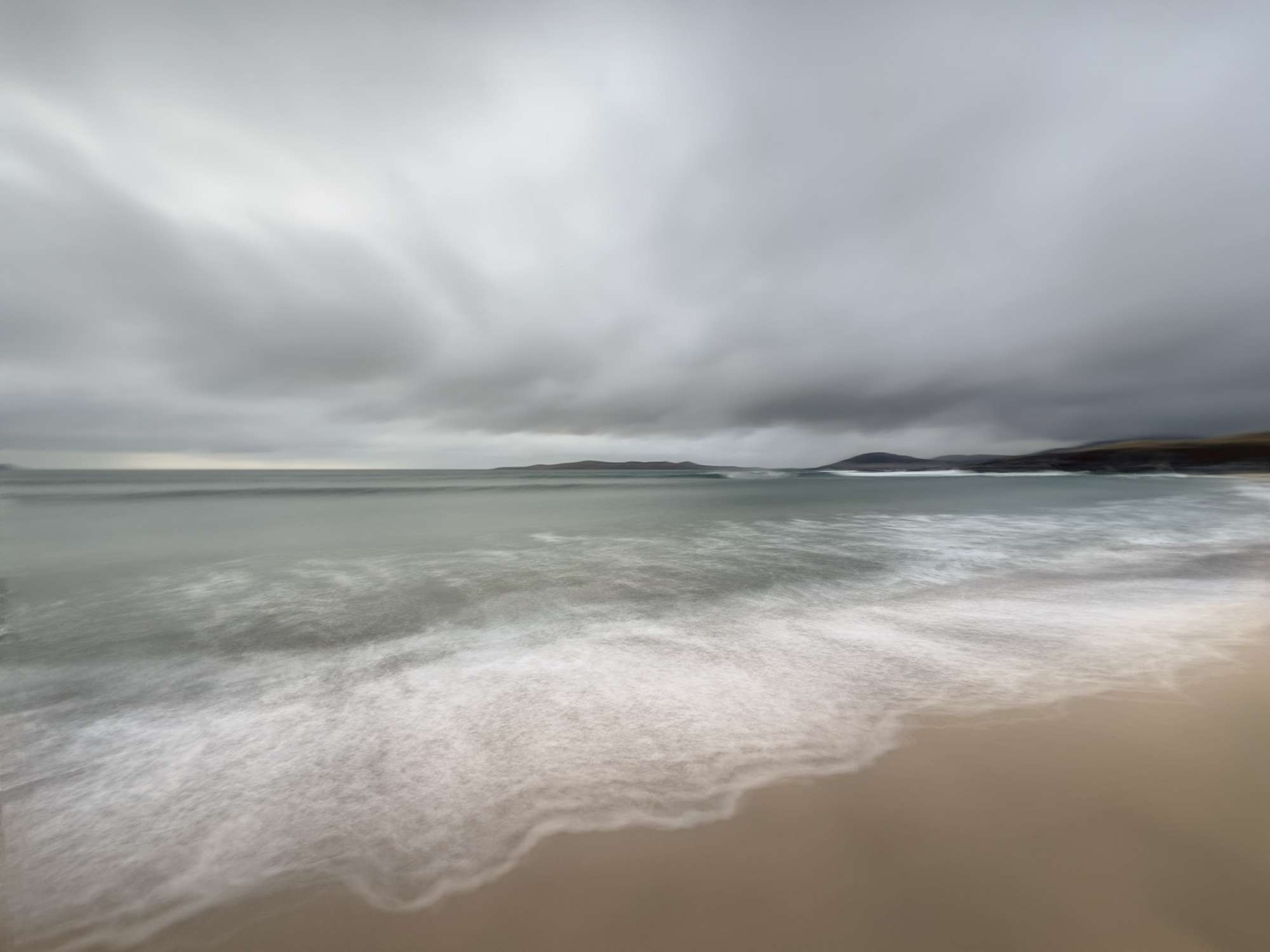
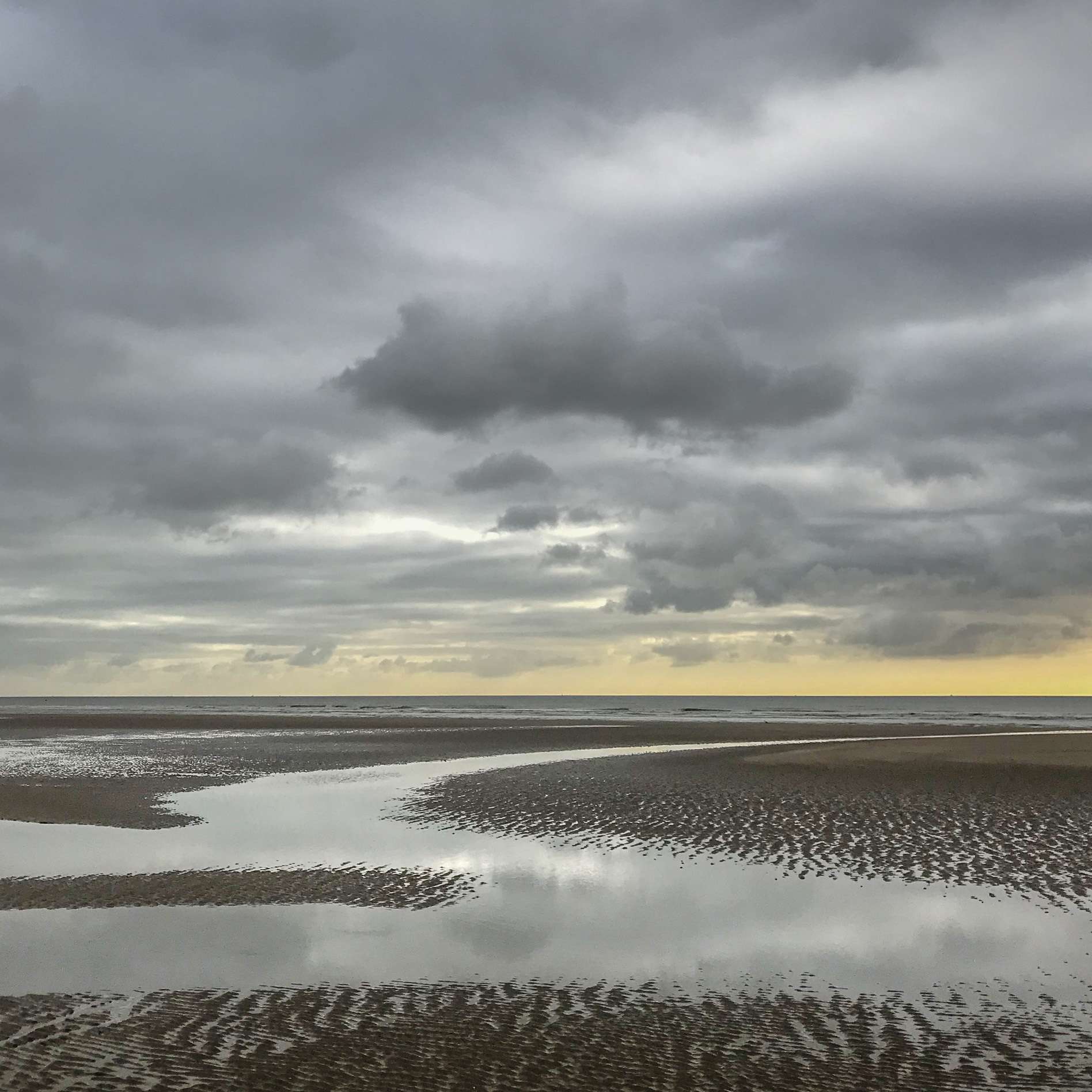
On paper, these specifications are impressive. Nonetheless, looking at the files in great detail, they do not compare at all with modern prosumer DSLRs or mirrorless cameras. But is this a problem?
You always have your phone with you. There’s that old saying, ‘What is the best camera?’ Answer – ‘the camera with you’. Whatever you see, wherever you are, you have your camera phone to hand. You can experiment freely, be creative, and be curious as to whether a scene or composition might work. When travelling with my DSLR and before getting it out of the bag, I will wander around, looking, trying to see suitable candidates to capture and start to assess potential compositions. Often, I will pull out my phone and try the shot and evaluate whether it is worth setting up the ‘big’ camera.

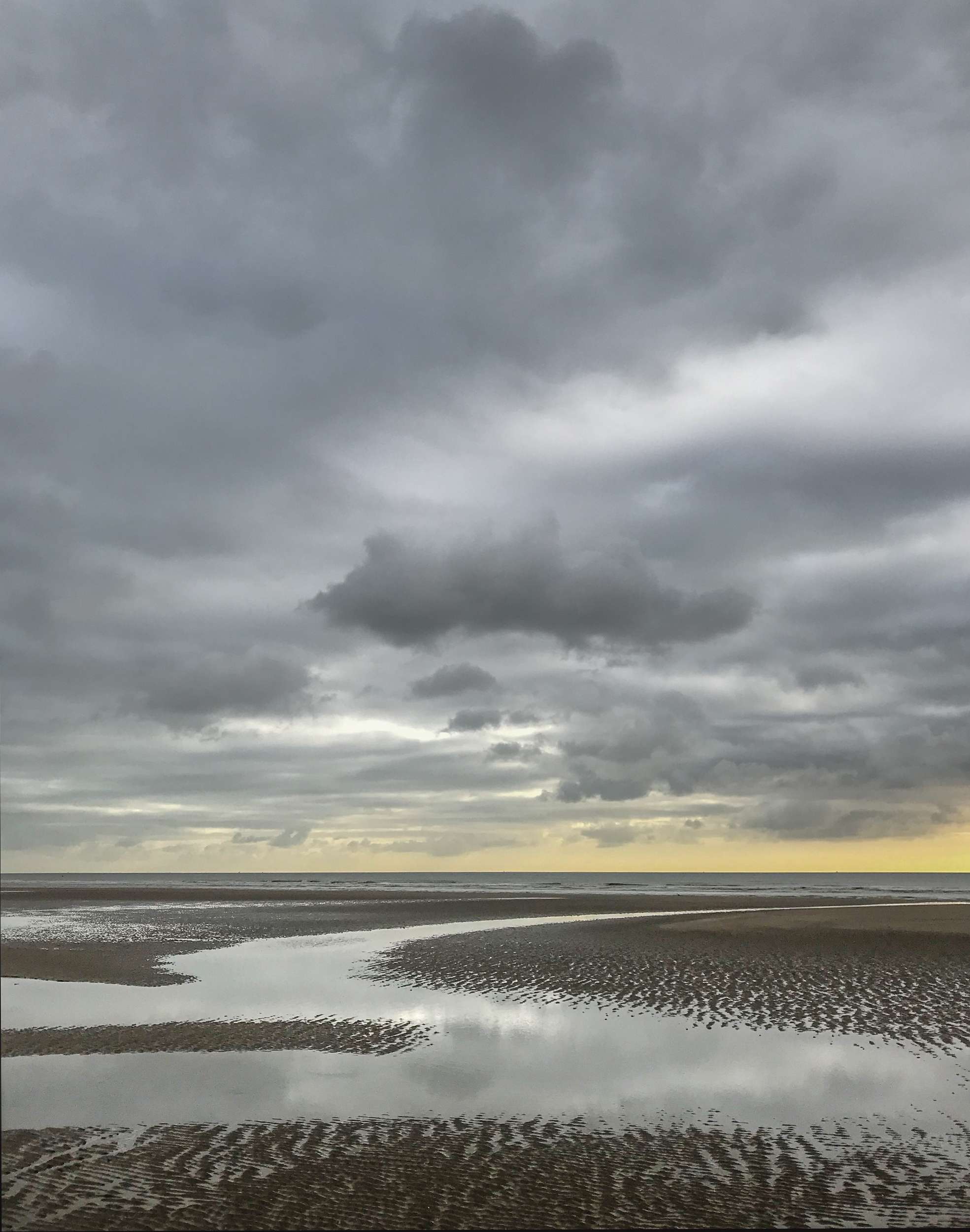
You will see in this article what I consider to be reasonably successful images taken on my iPhone. What I have discovered is that it is indeed not as capable as the DSLR. Great dynamic range is not handled well. High contrast scenes do not translate well, and some colours, especially blues and greens, are more vibrant than I like. What we have to consider, though, is that the phone is giving you a processed file in the form of a JPEG or equivalent. The algorithm or processing software is making decisions as to how to edit the file and present it at its ‘best’. This is the same as using the auto button in Lightroom. Sometimes it works, and sometimes it doesn’t. However, in more modern phones, you can now shoot in raw, and this does make a difference. You can take control and edit your files in Lightroom or Adobe Camera Raw. The files still don’t compare to a DSLR or equivalent, but you have a lot more scope for post-processing. Lastly, the files seem over-sharpened or even ‘crunchy’, and this also needs to be addressed in editing
Perhaps one of the best features in using a phone is the different apps that you can employ. I have been inspired by many multiple exposure images that I have seen in the past few years, and have taken it upon myself to learn the techniques and experiment. On my DSLR, I have some capabilities to do this, but on the phone, I have far more sophisticated options available to me. I can use many more blending modes, enlarge, reduce or rotate images, and use any photo ever taken on my phone and incorporate it into the final composite. Some apps allow you to take long exposures and shoot in Raw if your smartphone does not offer this capability
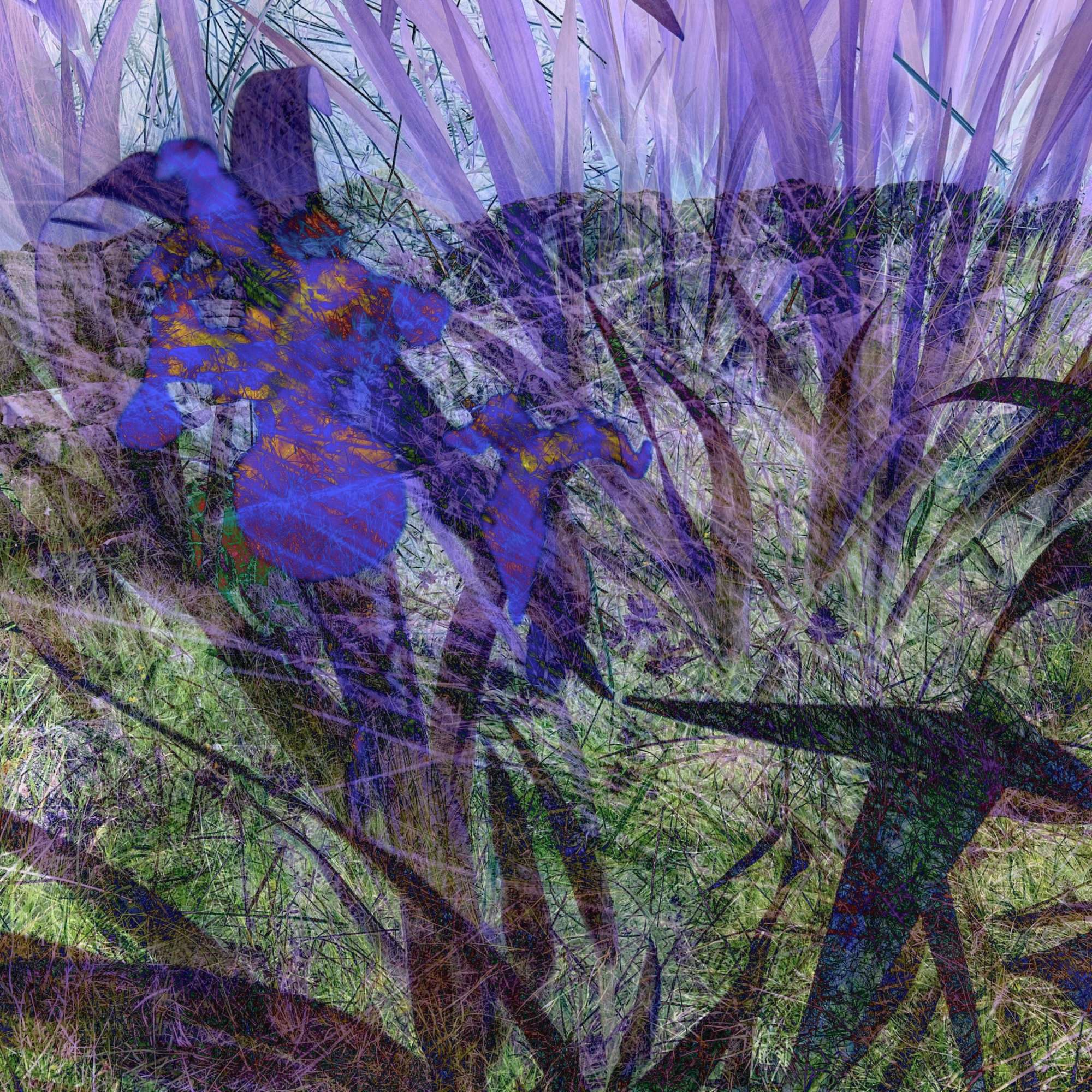
I spent some time making prints to create a portfolio of work. The phone files used were multiple exposures and were, I have to say, very impressive. I printed these to 12 inches square. The files have a native resolution of 72 dpi, and changing this to 180dpi for my Epson P900 printer would allow me to print 16.5 by 21 inches, which is just about right for A2. The resulting prints were excellent. You would be hard-pressed to tell what sort of camera they were taken on.
So, in conclusion, I will be using my phone more and more for photography. That doesn’t mean I am giving up the DSLR anytime soon, but having another tool available to me to pursue my more creative endeavours will be more than welcome
